
-
·
Layouts Carousel block
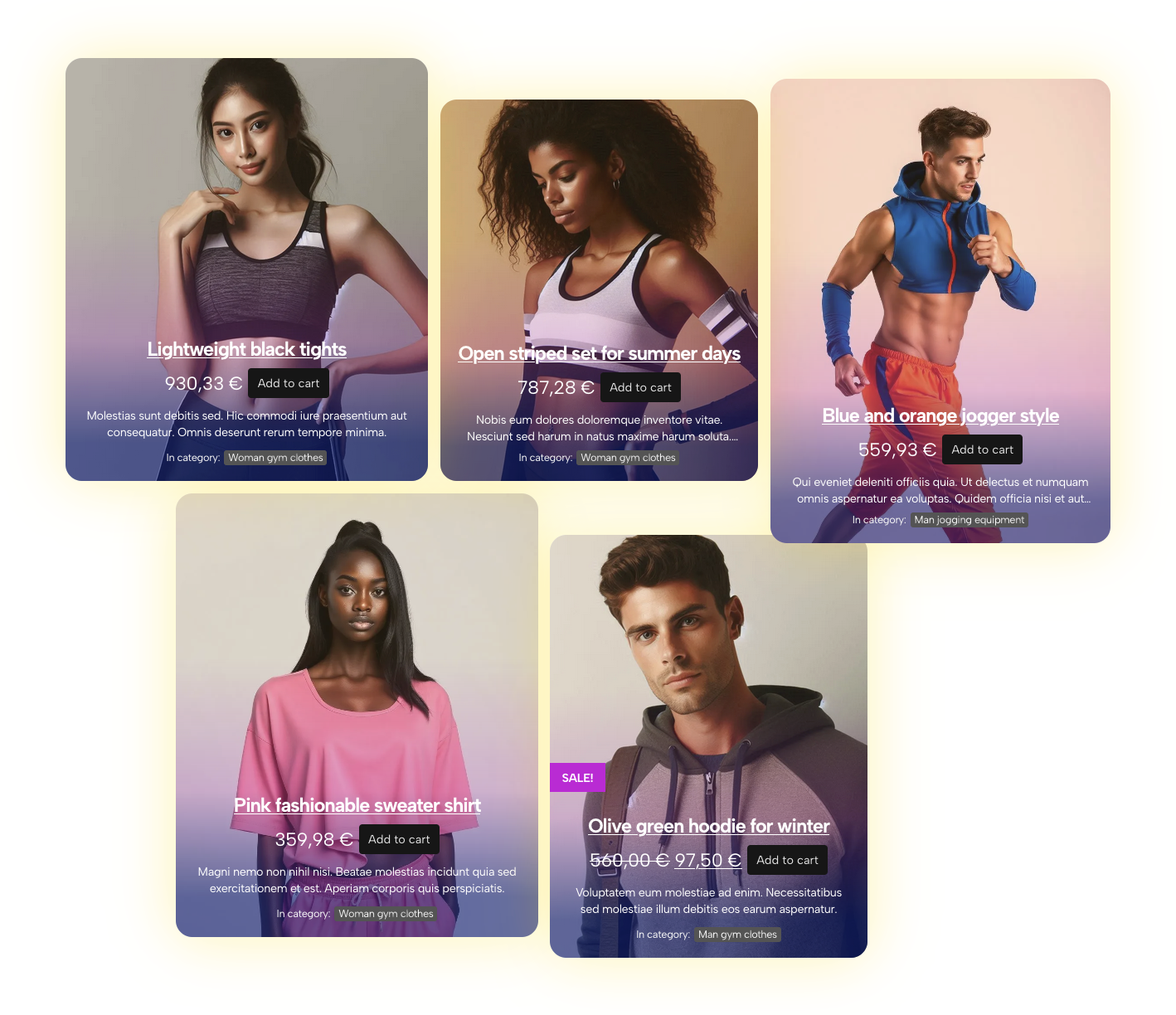
Basic Categories Layout block example Intro With the “Layouts Carousel” block you can create a carousel with any of Mosaic Product Layouts blocks – Products Layout, Categories Layout, or Single Product Layout. Carousel, slides, and blocks Once the Layouts Carousel block is added to a page, it will have only one slide added to a…
-
·
Mosaic Product Layouts docs
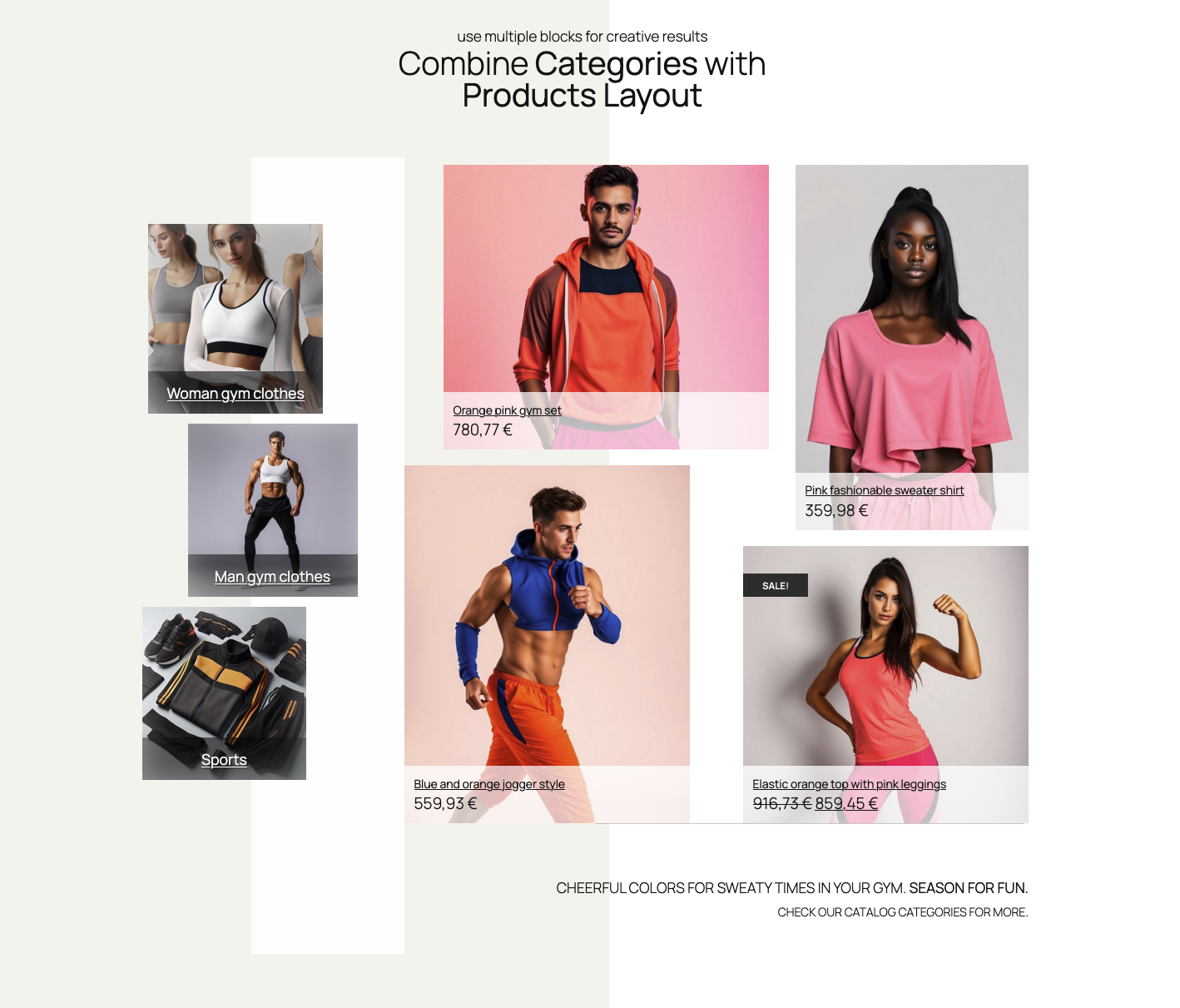
Products Layout Block Learn how to create layouts with WooCommerce products in a intuitive way. Advanced controls over product selection, starter layouts and styles, changing styles and save your layout setups for reusing. Click on the link bellow to learn more Read Docs for Products Layout Block Categories Layout Block Learn how to create layouts…
-
·
Single product layout block
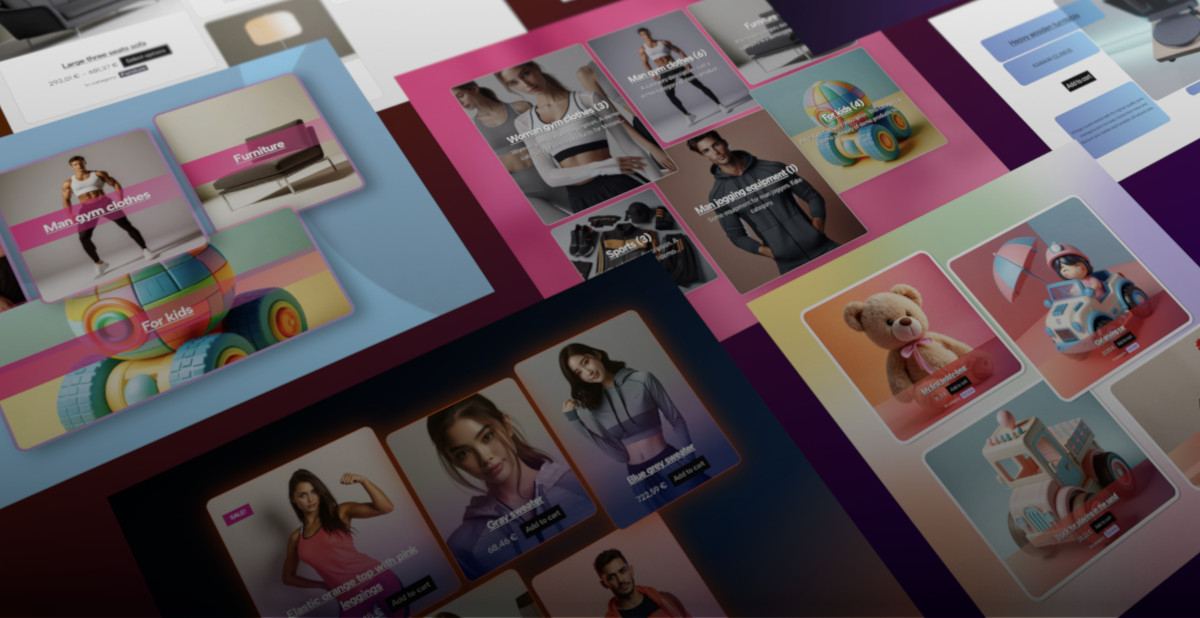
Basic Categories Layout block example Intro With the “Single product layout” block you can create unlimited custom single product layouts. Product selection Once the Single Product Layout block is added to a page, popup modal will automatically offer a selection of products. If you decide to replace the product, you can use the product selector.…
-

·
Categories Layout Block
Basic Categories Layout block example Intro The “Category layouts” block shares a lot of controls with the “Product layouts”. Categories selection Product categories can be chosen in two ways. One choice is automatic selection, which shows categories based on ordering query settings. The other option is to hand-pick particular categories. In Inspector Control sidebar, open…
-

·
Products Layout Block
Simple Products Layout block example Products selection Products can be chosen in two ways. One choice is automatic selection, which shows products based on query settings like ordering and filtering by categories. The other option is to hand-pick particular products. In Inspector Control sidebar, open “Products” section to choose your preferred product selection. Automatic (query…