
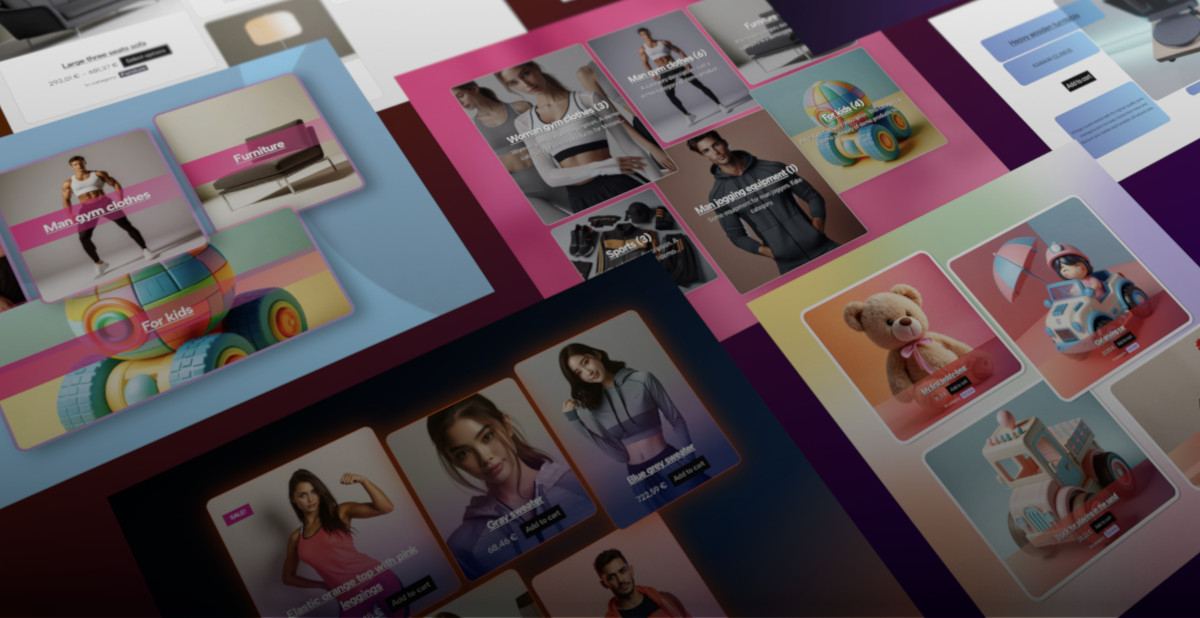

Mosaic Product Layouts enables you to create stunning product layouts inside the WordPress block editor with total control over the layout, allowing you to reposition, resize, add, or remove items freely within a layout container.

For hands-on experience and demos of the Products Layout, Categories Layout, or Single Product Layout blocks, you can visit the URLs provided for interactive demonstrations showcasing different layout examples created using the Mosaic Product Layouts plugin. These demos allow you to explore the capabilities of the plugin by displaying various layout configurations and styling options with handpicked products and pre-defined styles for inspiration.
The “Playground demo” link will take you to an instance of WordPress site, loaded completely in browser. No need for PHP, Docker, or anything like that, no logging in or creating account – when Playground demo is loaded, simply browse the demo content or click on “Edit page” to try out the Mosaic Product Layouts block in WP editor, first hand.
Products Layout block

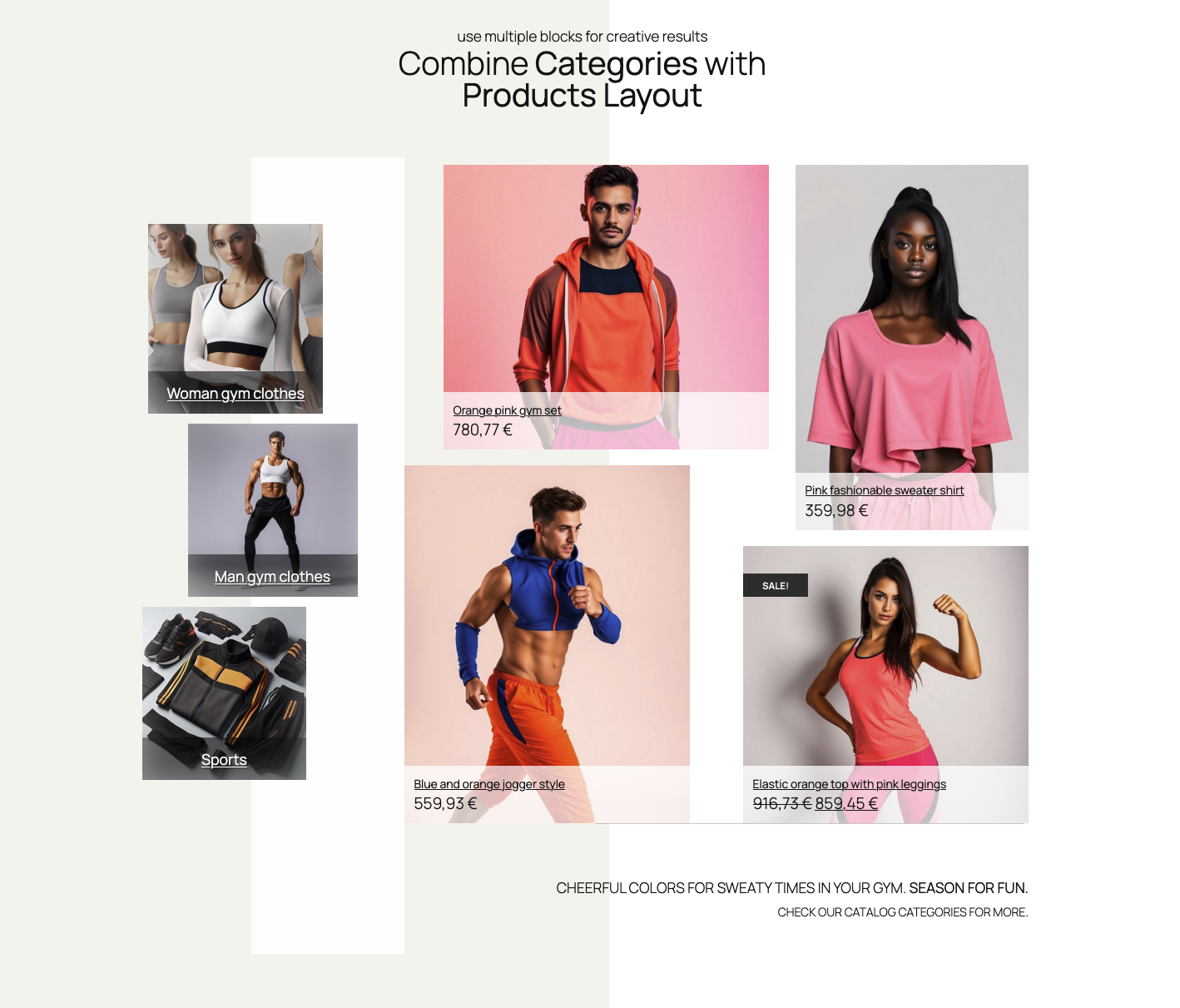
With features like grid-based free layout creation, advanced product selection options based on categories, ordering conditions, or hand-picked products, and unique styles for each product, you can easily create unique and creative product layouts for WooCommerce. Additionally, the plugin simplifies the process by providing starter layouts and starter styles as a foundation and allowing you to save custom layouts and styles for reuse.
Categories Layout block
The Categories Layout block shares most of the features with Products Layout block. It is also grid-based free layout creation system, with advanced categories selection, ordering, and hand-picking categories, and it features as well starter layouts and styles, saving custom layouts, and much more.

Single Product block

If you are looking to create custom single product layouts, you can utilize the Single Product Layout block from the Mosaic Product Layouts. This block allows you to create unlimited custom single product layouts, offering features like starter layouts and styles to kick-start your design process and the ability to rearrange, resize, and edit elements within the layout. By using the provided controls in the block or inspector sidebar, you can easily select products, apply different styles, and customize layouts to suit your preferences.
WC Carousel block
The WC Carousel block is an add-on block to Products, Categories, and Single Product blocks, specialized in housing these three particular Mosaic Product Layouts blocks. It is just another way to enhance your products presentation, and create even more stunning layouts, to amaze your customers.




Leave a Reply